Mining and Dwarves Tools Hub
Planning sheets for shards and binds — not trainers, codes, or console commands.
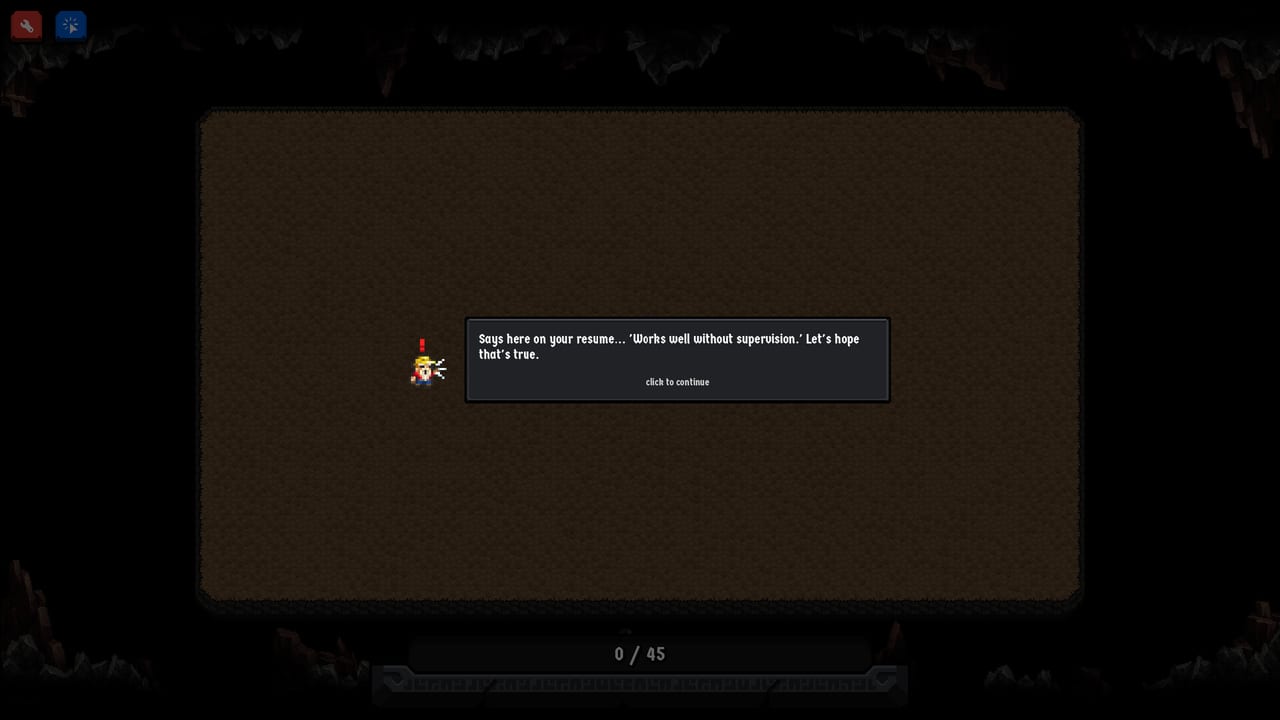
Mining and Dwarves does not ship a calculator, a debug console, or a cheat menu. The pages under this Tools Hub are planning sheets you keep beside the mine: a buy order for the skill tree, a controls cheatsheet that explains why each bind exists, and an achievements planner that lists official Steam names without inventing hidden unlocks. They will not inject gold, skip the central deposit, or mint void shards. Sockhouse Studios built a persistent single-player incremental with no prestige reset, so a wasted node stays on the tree. Treat these tools as a notepad, not a trainer.
The full game launched on Steam on 27 August 2026 after a free demo on 10 June 2026. You still click rocks, fill a sink, hire dwarves, and spend scarce shards on a mostly linear tree. The tools exist because that loop is easy to start and easy to stall.
What these pages are not
They are not in-game cheats, auto-clicker downloads, or a redeem-code list. Mining and Dwarves is a paid Steam incremental, not a live-service title with weekly gift codes. If a site promises Mining and Dwarves codes, it is describing a different genre. Spend the time here on purchase order and on aiming Super Auto Miner.
They also do not replace the longer guides. Node text lives on the skill tree guide. Named routes live on the skill-path rankings. The achievements page lists official Steam names without inventing hidden unlocks. This hub answers what to press, what to buy, and which badges actually exist.
Upgrade priority
The upgrade-priority page is the sheet most players want on day one. It walks a practical order rather than a fake spreadsheet: recruit a mixed miner and collector pair, buy worker speed, raise carry, cut Super Auto Miner cooldown, and only then stack player damage. It also names nodes that look shiny in the first hour and stall the loop if you grab them first. Open it before you spray the tree. Because there is no prestige, you cannot refund a detour with a reset.
Controls cheatsheet
The controls cheatsheet is a compact bind list that still explains the job of each input. Auto Click versus Manual Click, why Super Auto Miner wants a hover rather than a mash, why Multi ore belongs on the special orb, and how the same binds feel on a Steam Deck. Launch-week players often summarise the active game as Q plus W, then hold still. The cheatsheet exists so you know where to hold still: over a rock cluster for Q, on the orb for W.
Achievements
The achievements planner is the 22-name Steam panel decoded as far as the store allows. Official names you may list are on that page. Lazy lines up with idle play, Pie in the Sky with floor pies, and Wombo-Combo with ability chaining. Hidden unlocks stay undescribed. Open it if you want the store panel in one place, not a grind checklist.
Where they fit
Guides teach the mine. The Tools Hub sits one step later: you already know you click rocks and hire dwarves, and now you need a shopping order. Use the skill tree when you need the map. Use skill paths when you want a named route. Use upgrade priority when the next shard is in hand. Use the achievements planner when you want the 22 Steam names without a fake hidden-unlock list.
When to open which page
First session, still clicking rocks by hand: open the controls cheatsheet, pick Auto Click if you are on a Deck or a trackpad, then hire. First void shards: open upgrade priority before you spray the tree. Stuck on a linear stretch of nodes: check skill-path rankings, then come back to see which cooldown is blocking income. Curious about Lazy, pies, or Wombo-Combo: achievements. Planning beats guessing on a save that does not wipe.
Frequently Asked Questions
Quick answers to the most common questions.
Are the Tools Hub pages in-game cheats?
No. They are planning sheets for upgrade order and keybinds. They do not inject gold or mint shards.
Does Mining and Dwarves have redeem codes?
No. It is a paid Steam incremental. Spend time on upgrade priority instead of hunting codes.
Which tool should I open first?
Binds first: the controls cheatsheet. Shards in hand: upgrade priority before random nodes.
Can I reset a bad skill purchase?
No. There is no prestige wipe. Nodes you buy stay on the tree, which is why this hub exists.
Do these pages replace the skill tree guide?
No. Use the skill tree guide for node text and skill-path rankings for named routes. Steam names: achievements.